Modern Infographics Layouts: Designing for Clarity and Impact
In an age overflowing with data and information, the ability to communicate complex ideas quickly and clearly is paramount. This is where modern infographics shine. They are not just decorative charts; they are powerful storytelling tools that blend data, design, and narrative. A Modern Infographics Layout, and the specific design options within it, represents the cutting edge of this visual communication, transforming raw information into engaging, memorable, and easily digestible visual experiences.
The Evolution from Static Charts to Dynamic Narratives
Historically, infographics were often simple bar graphs or pie charts inserted into reports. The modern approach is fundamentally different. It starts with a layout-first philosophy. The layout is the architectural blueprint that determines how information flows, how hierarchy is established, and how the viewer's eye is guided through the story. A Modern Infographics Layout prioritizes visual logic over mere data dumping. It considers white space (negative space) as a crucial design element for reducing cognitive load, uses consistent and purposeful color palettes to categorize information, and employs typography to create clear distinctions between headlines, sub-points, and body explanations.
The significance of this evolution is profound. In our fast-paced digital culture, attention is a scarce resource. A well-designed modern infographic can capture that attention in seconds and convey the core message of a 1000-word article in a single, scannable image. This makes them indispensable for education, where they simplify complex subjects; for business, where they illustrate market trends or project workflows; and for public advocacy, where they make societal data accessible to all.
Deconstructing the Modern Infographics Options Layout Design
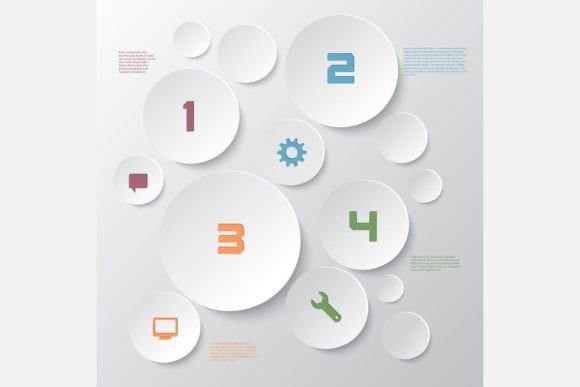
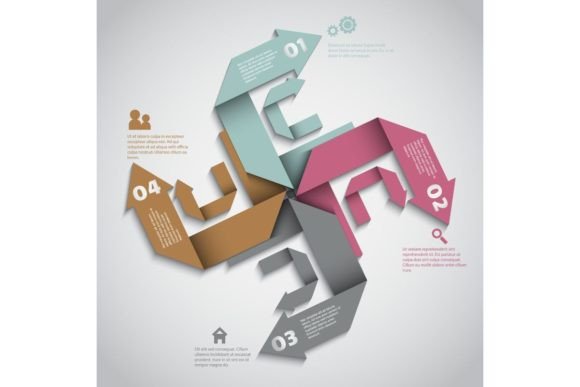
When we delve into a "Modern Infographics Options Layout Design," we are looking at a versatile template system. "Options" here refers to the modular components and stylistic choices built into the template. Think of it not as a single, rigid image, but as a design framework.
Such a template typically includes:
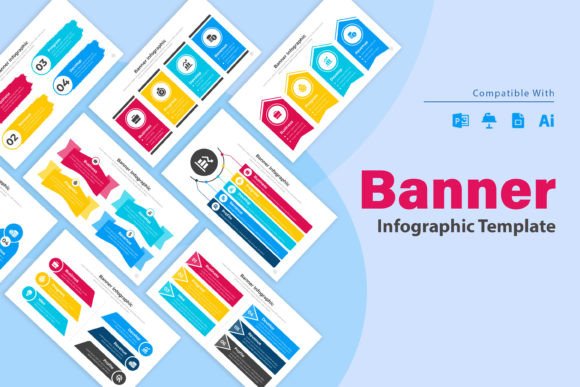
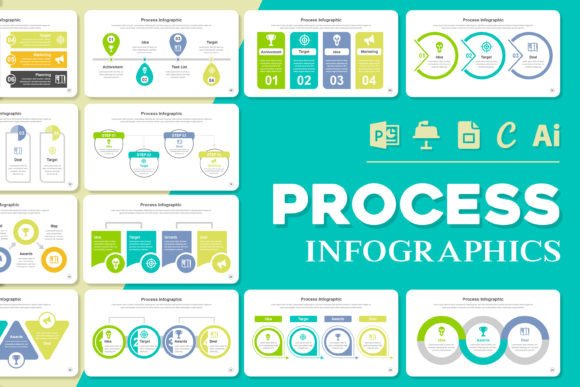
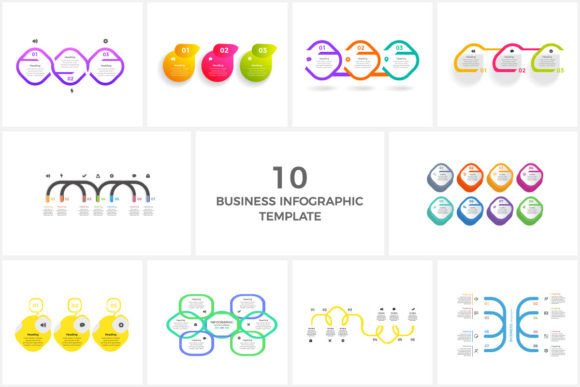
- Multiple Layout Sections: Dedicated, pre-structured zones for a headline, a key statistical showcase, a process flow diagram, comparative elements, and a conclusion or call-to-action.
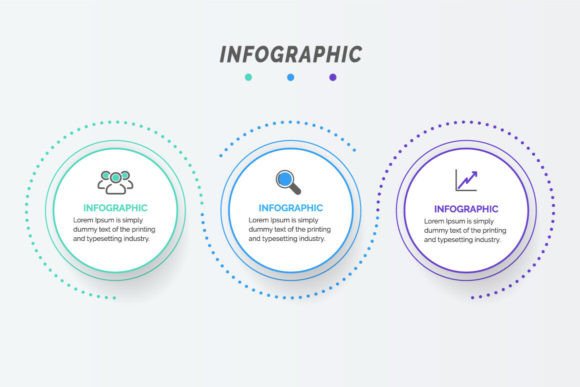
- Stylized Data Visualization Widgets: Modern icons, minimalist chart containers (for bar, line, or radial charts), and pictogram sets that replace simple bullet points.
- Typography Hierarchy: Pre-defined font styles for H1, H2, and body text that ensure visual consistency and readability across all your projects.
- Color Scheme Options: A coordinated palette with primary, secondary, and accent colors that can be applied consistently across all graphical elements.
The practical relevance of using such a template is immense. For a non-designer, it provides a professional foundation, eliminating the daunting task of starting from a blank canvas. For an experienced designer, it offers a time-saving starting point that can be customized and expanded. The included files—a vector EPS file and a high-resolution 300 dpi JPG—are key to this flexibility. The vector file allows for infinite scaling without quality loss, perfect for large-format posters or detailed website graphics. The high-quality JPG provides a ready-to-use image for immediate digital sharing.
Purpose and Application: Where Modern Infographics Live
The core purpose of a modern infographic layout is to facilitate understanding and drive engagement. It serves as a visual bridge between expert knowledge and a general audience. Let's explore how it fits into various facets of modern life.
In Business and Marketing
For businesses, infographics are lead generators and brand amplifiers. A modern layout can be used to:
- Create an annual report summary that highlights key achievements visually for shareholders and employees.
- Design a step-by-step infographic explaining a complex service offering, making it easier for potential clients to understand.
- Produce social media posts that condense a blog article's key findings into a shareable format, increasing reach and engagement.
The clean, professional aesthetic of a modern template ensures the infographic aligns with corporate branding, conveying competence and clarity.
In Education and Training
Educators and trainers face the constant challenge of making material accessible. A modern infographic layout can break down historical timelines, scientific processes, or grammatical rules into a visual sequence. For example, a timeline of the Renaissance becomes more engaging when laid out with icons representing art, science, and politics along a flowing path, rather than in a simple list. This caters to diverse learning styles and enhances retention.
In Creative Projects and Daily Life
Even outside professional contexts, these layouts empower creativity. A personal project plan, a family event schedule, or a visual recipe can all be communicated more effectively with an infographic. The structure provided by a template helps organize personal data in a way that is both functional and aesthetically pleasing, turning everyday planning into a more enjoyable activity.
Clarifying Common Misunderstandings
As infographics have grown popular, a few misconceptions have emerged. Clarifying these helps in using modern layouts more effectively.
Misunderstanding 1: Infographics are just about making data "pretty." This is a fundamental error. The design is not cosmetic; it is cognitive. Color coding categorizes information. Spatial arrangement establishes relationships (proximity implies connection). Size denotes importance. The aesthetics serve the function of faster comprehension.
Misunderstanding 2: More data equals a better infographic. In fact, the principle of modern layouts is often curation and simplification. The goal is to highlight the most relevant data points that support a single, clear narrative. An overloaded infographic, even with a modern layout, defeats its own purpose.
Misunderstanding 3: You need advanced design software to create them. While professional tools offer more control, a high-quality Modern Infographics Options Layout template, provided in EPS and JPG formats, can be manipulated with a variety of software, including some user-friendly graphic editors. The template provides the structure; you supply the content.
Building a Broader Understanding: The Infographic as a Communication System
To truly leverage a modern infographics layout, one should view it as part of a larger communication system. It starts with audience analysis: Who needs to understand this information? What is their prior knowledge? This determines the depth and terminology used. Next comes data selection and narrative crafting: What is the one story you are telling? Choose data that supports that story linearly.
Then, the modern layout template is applied. Its pre-defined sections help you place your narrative elements: the headline in the prominent H1 zone, the key evidence in the central chart area, the step-by-step explanation in the process flow module. Finally, the infographic is deployed in the appropriate format and channel—as a flyer (using the vector file for crisp printing), as a website banner, as a series of social media posts (using sections of the JPG), or embedded in a digital report.
This systemic approach ensures the infographic is not an isolated decoration but an integral, functional part of your information dissemination strategy. It aligns with the highest principles of helpful content: it is experience-based (built on understanding audience needs), expert (presenting information accurately), authoritative (using a trustworthy, clear format), and trustworthy (making transparency and clarity paramount).
The Final Takeaway: A Tool for Visual Literacy
Adopting and using a Modern Infographics Layout and its design options is more than a practical design choice; it is an investment in visual literacy. In a world where we are all both consumers and creators of information, the ability to structure and present data visually is a crucial skill. This stylish template is not just a set of files—it is a gateway to creating clearer website content, more engaging social media posts, more effective flyers and brochures, impactful posters, and many more communication assets. It empowers you to turn information into insight, and data into understanding, meeting the modern demand for clarity, speed, and impact in every message you send.